
Project Information
- Category: Office Add-in · Excel
- Client: Internal Product — Point5Nyble
- Platform: Microsoft Excel (Windows & Mac)
- Project date: 2021
Key Features
- Formula Library — save and search reusable formulas
- One-Click Insert — insert formulas instantly into any cell
- Tagged Snippets — organize by category and tag
- Team Sharing — share snippet libraries across your team
- Auto Sync — snippets synced across devices
About the Challenge
Excel power users constantly rewrite the same complex formulas — VLOOKUP chains, nested IFs, dynamic array formulas — every time they start a new sheet or project. There was no built-in way to save, organize, and reuse formulas across workbooks without copy-pasting from old files or notes.
Teams also struggled to maintain consistency — different people using different formula approaches for the same calculation, leading to errors and audit issues.
Our Solution — Snipper
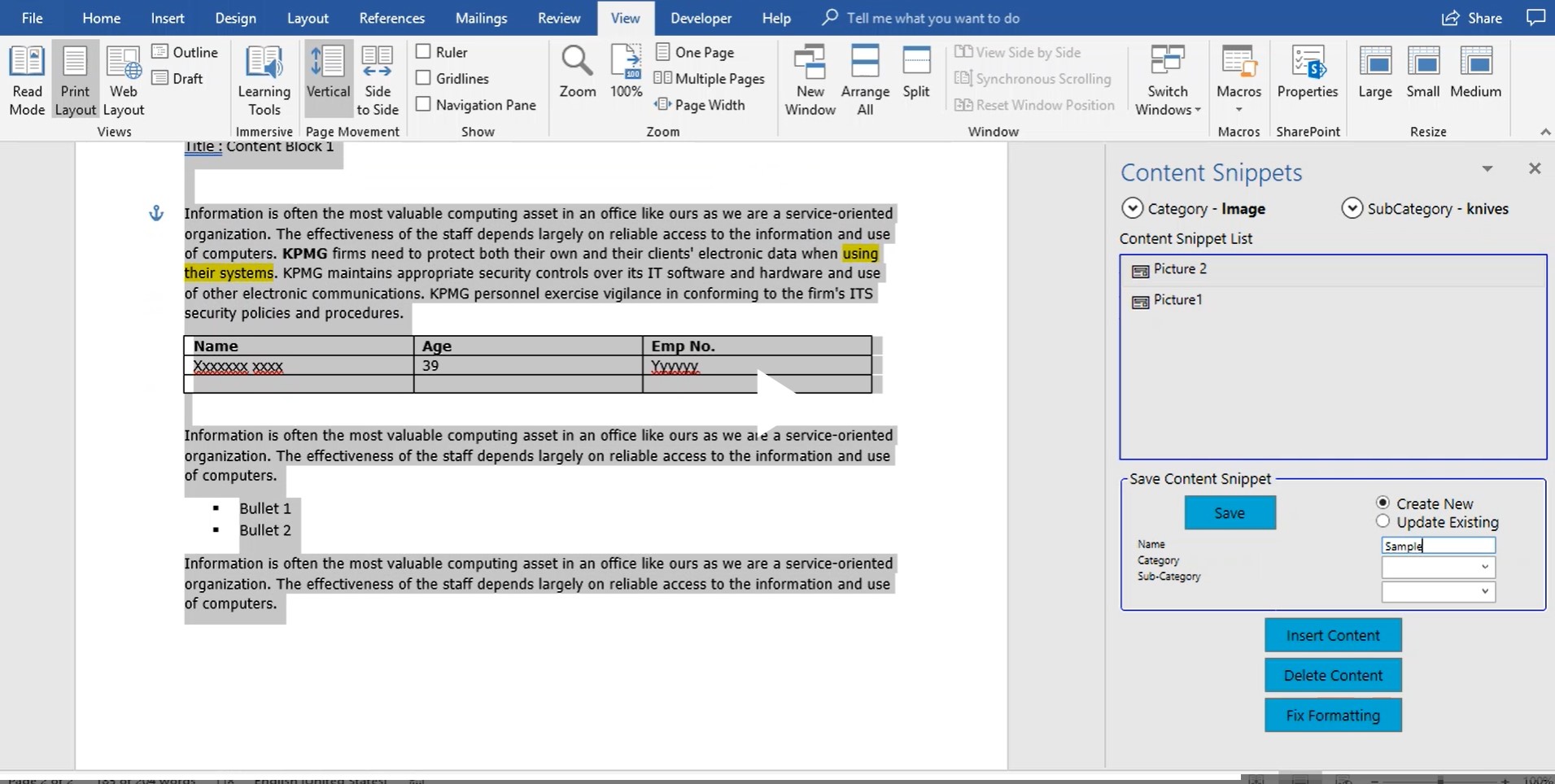
Point5Nyble built Snipper as a native Microsoft Excel add-in that lives in the Excel ribbon — giving users a personal and team formula library accessible at any time without leaving their spreadsheet.
Core modules delivered:
- Formula Library — save any formula or text snippet with a name, description, and tags for easy retrieval later
- Smart Search — instantly search snippets by name, tag, or keyword — results appear as you type
- One-Click Insert — click any snippet to insert it directly into the selected cell, with optional parameter prompts for dynamic formulas
- Category Organization — group snippets into folders (Finance, HR, Ops) for structured access across large libraries
- Team Library — admins publish shared snippet sets that all team members can access and use — ensuring formula consistency across the organization