
Project Information
- Category: Office Add-in · Outlook
- Client: Internal Product — Point5Nyble
- Platform: Microsoft Outlook (Windows & Mac)
- Project date: 2020
Key Features
- Content Scanner — detects sensitive data before sending
- Smart Alerts — flags confidential info in real time
- Send Block — prevents accidental disclosure
- Custom Rules — admin-defined sensitivity policies
- Audit Log — tracks flagged emails for compliance
About the Challenge
Employees frequently send emails containing sensitive information — client data, financial figures, internal documents — to wrong recipients by mistake. A single accidental disclosure can lead to serious compliance violations, reputational damage, and legal liability.
Organizations needed a lightweight, always-on solution that works directly inside Outlook — without requiring users to change their workflow.
Our Solution — Email Protector
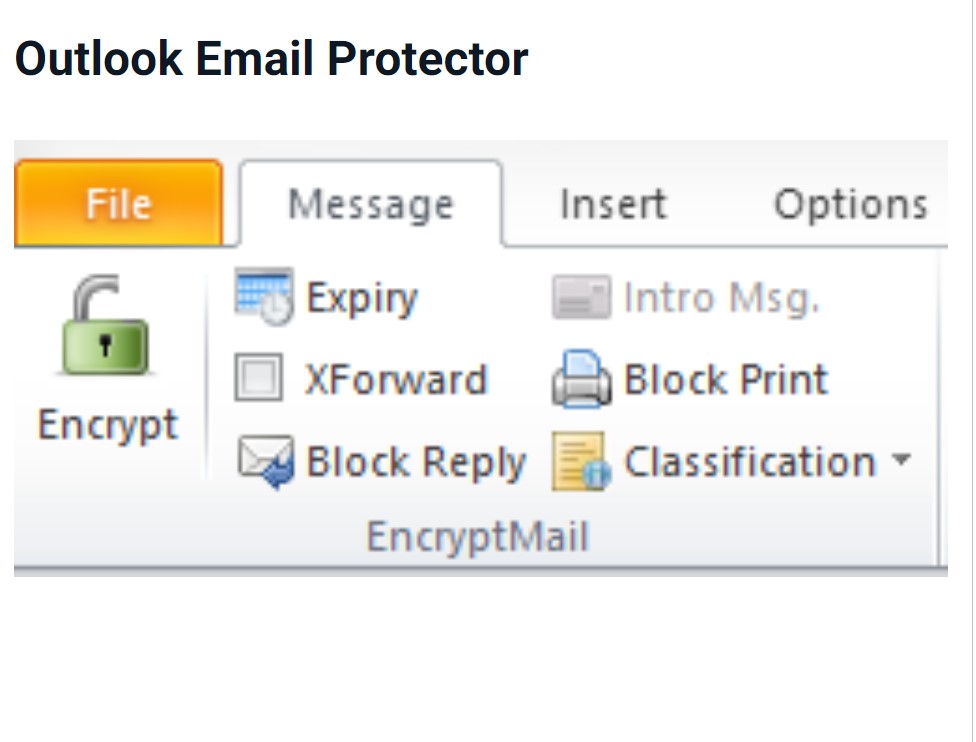
Point5Nyble built Email Protector as a native Microsoft Outlook add-in that silently scans outgoing emails in real time — alerting users before sensitive content leaves the organization.
- Content Scanner — scans email body and attachments for sensitive keywords, patterns (PAN, Aadhaar, account numbers)
- Smart Alerts — shows a warning panel when sensitive content is detected before sending
- Send Block — optionally blocks send for high-risk content until a manager approves
- Custom Policy Rules — admins define sensitivity rules and keyword lists through a central dashboard
- Audit Log — every flagged email logged with timestamp, user, recipient, and action taken